STAR WARS Jedi: Survivor™

STAR WARS Jedi: Survivor™

Not enough ratings
How to emulate & add DualSense Edge Controller support
By 🪻🧋Sylvie💮🍃
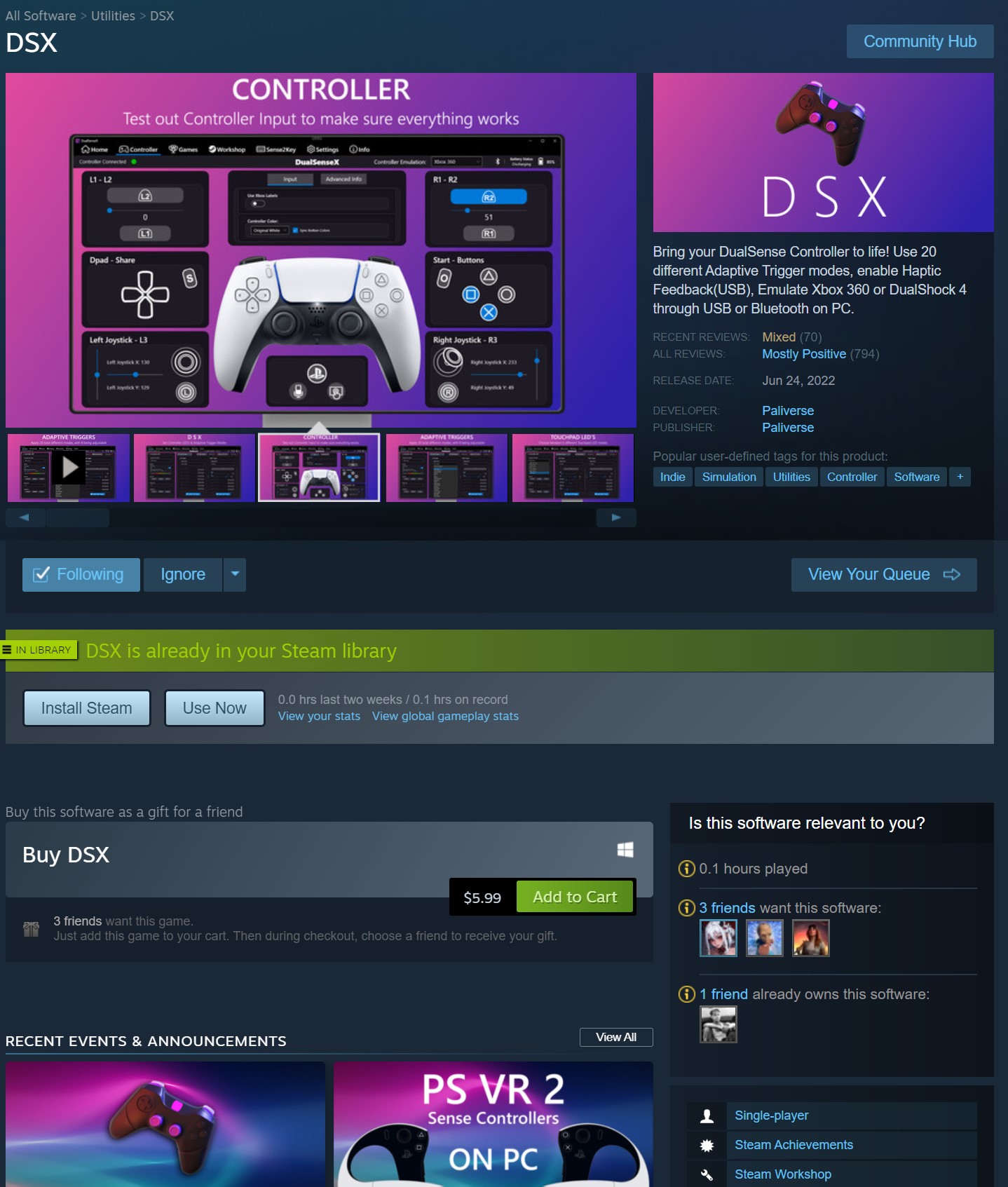
Although disabling Steam Input should allow you to use either Xbox 360, Xbox One, Xbox Elite Series 2, Playstation DualShock4, and/or regular DualSense Controller, downside was that it does not detect DualSense Edge Controller since the game engine supports Xinput and DualShock 4 API except DuelSense which was why it didn't detect DualSense Edge Controller unfortunately. Thankfully, you can use DSX (DualSense X) software to emulate your DualSense Edge Controller, whether it's Xbox 360 or DualShock 4 emulation. Though it is not that expensive to buy DSX software, it's only $5.99 to purchase the DSX software to emulate your DualSense Edge Controller.

https://store.steampowered.com/app/1812620/DSX/
2
   
Award
Favorite
Favorited
Unfavorite
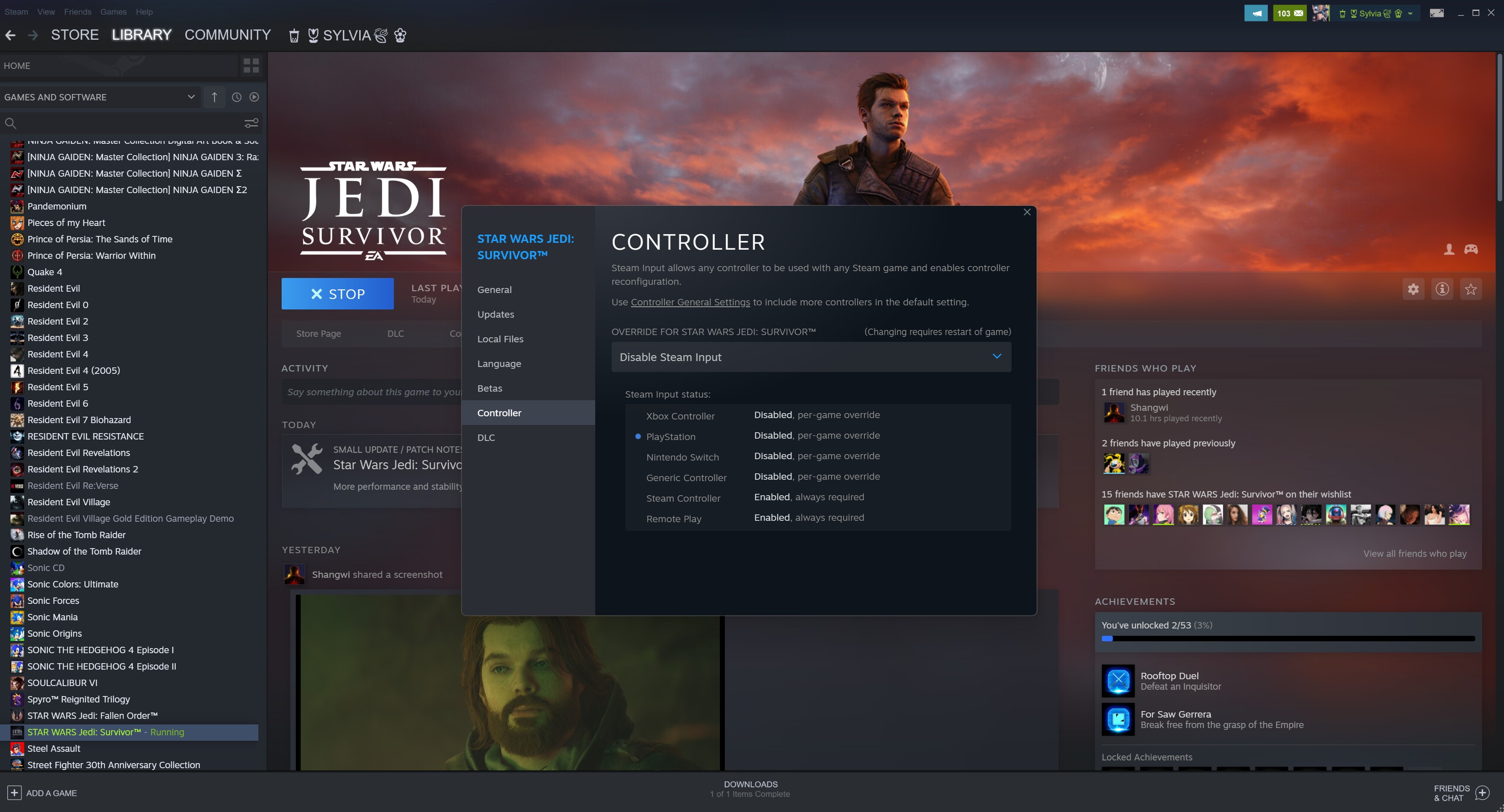
Disable Steam Input
-Go to your Steam library
-Right-click Star Wars: Jedi Survivor
-Click Properties
-Click Controller Tab
-Go to Override Star Wars: Jedi Survivor
-Select "Disable Steam Input"
-Close it and it should detect regular DualSense Controller, however, it will not detect DualSense Edge Controller until you follow my next step which you will need to use DSX to add controller emulation.
Configure DSX (DualSense X) Software
-Launch DSX
-Make sure to download all required drivers you need to download and install into your PC.
-Restart your PC
-Relaunch DSX again
-Connect your DualSense Edge Controller via USB
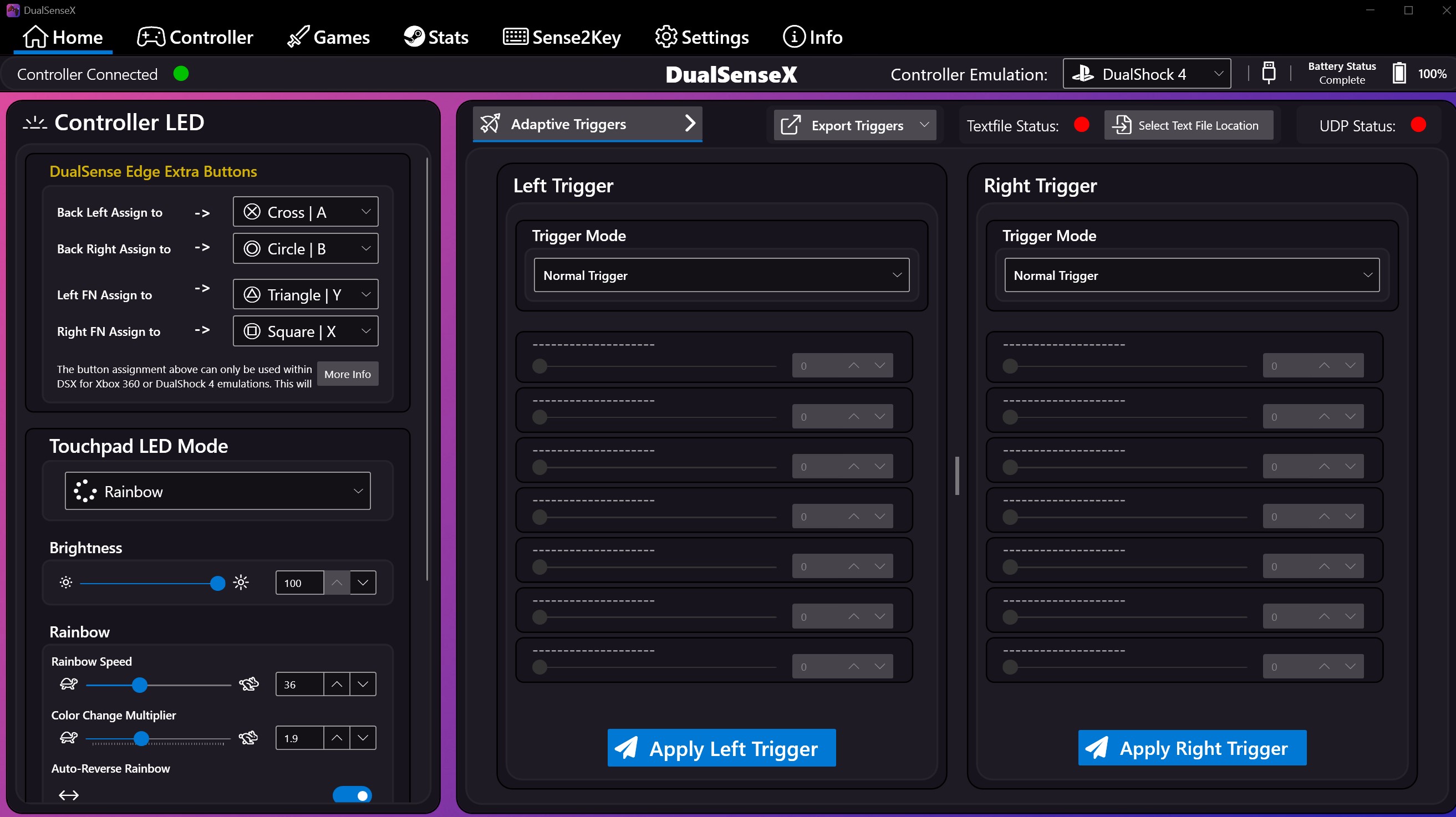
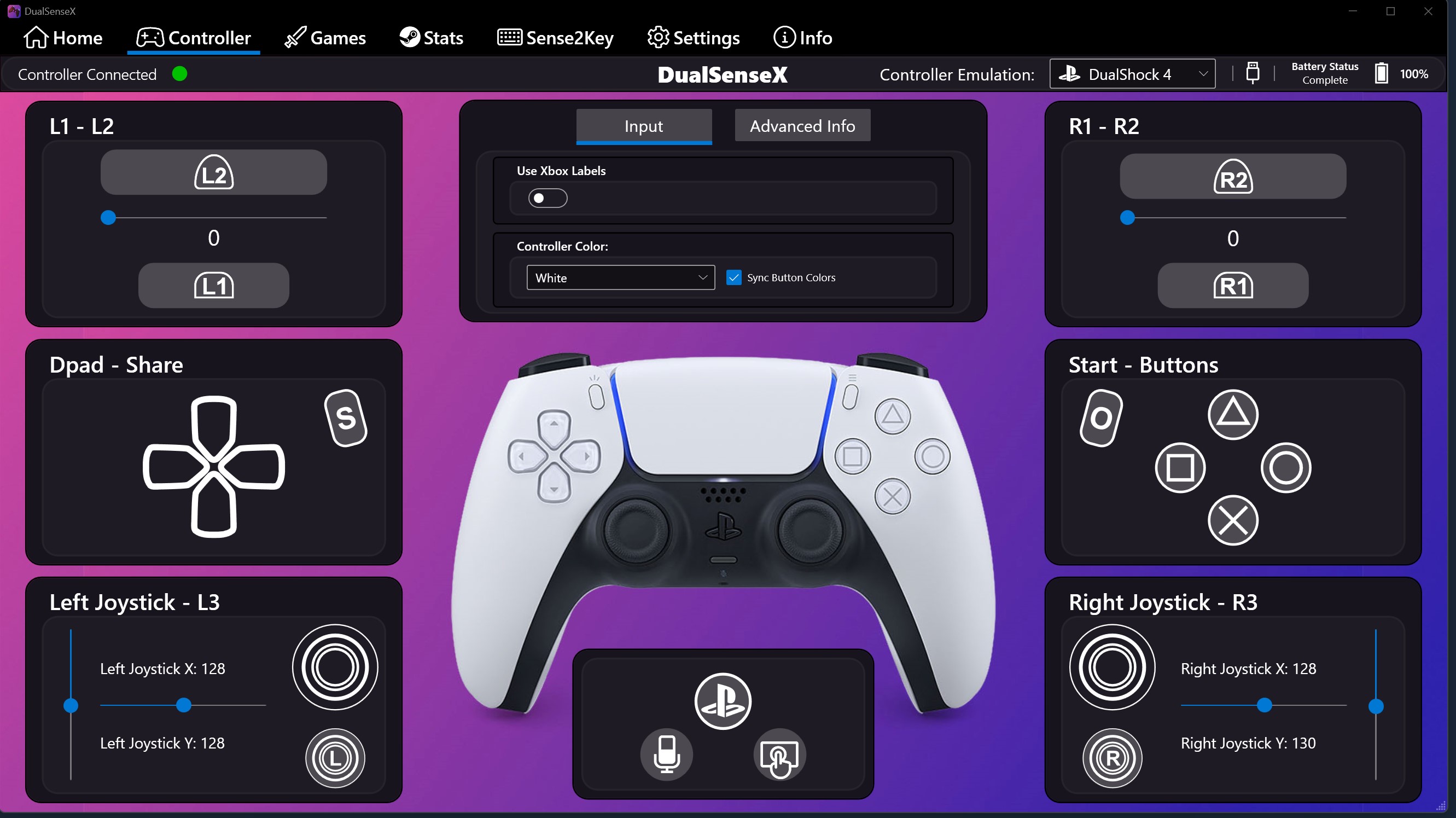
-It should now detect your DualSense Edge Controller including extra button functionality such as FN and Back Buttons, Touchpad, etc.
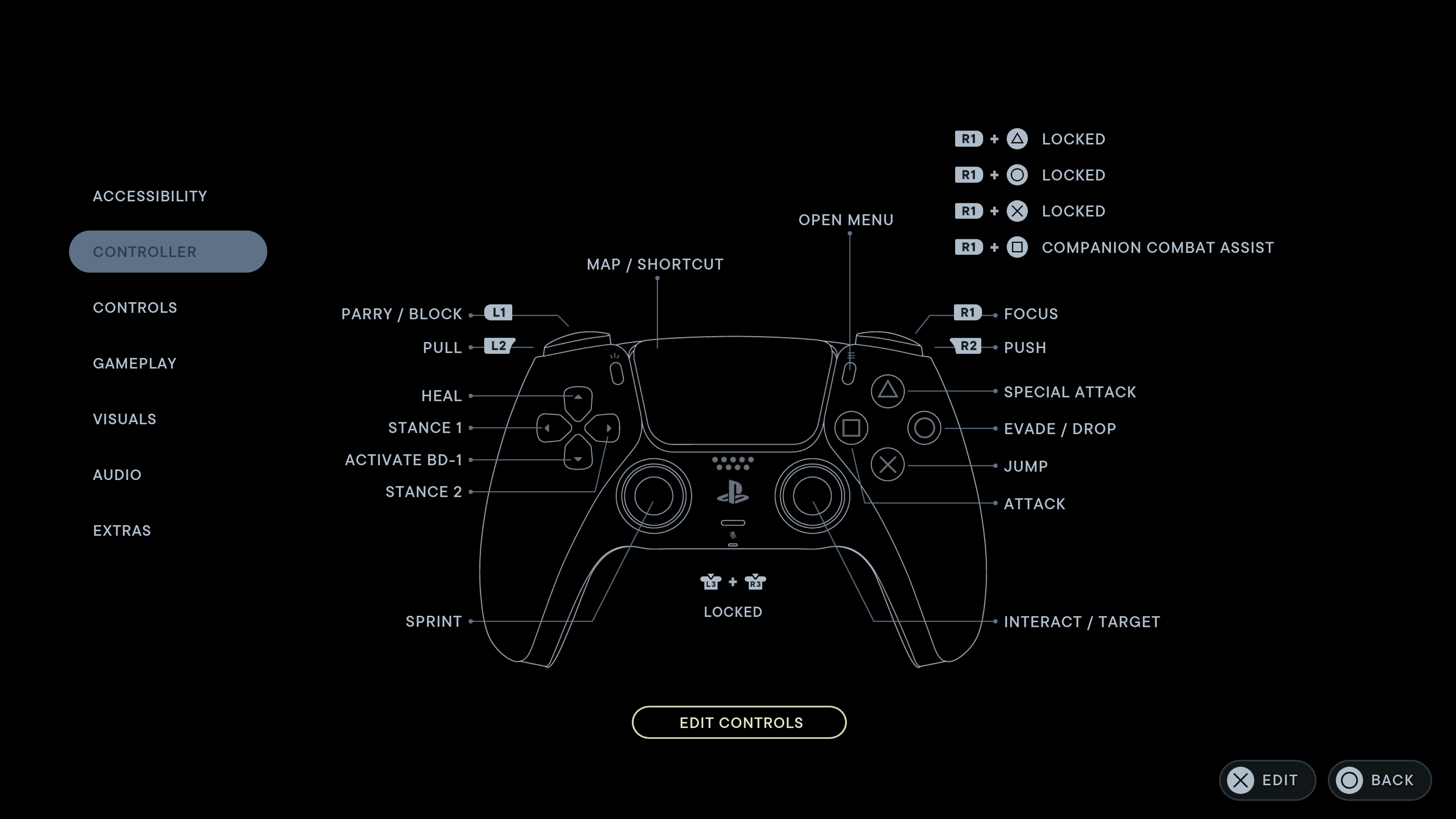
-You can toggle controller emulation, whether it's Xbox 360 or DualShock 4. Since the controller was made by Playstation, you'd want to select DualShock 4 to display Playstation button icon such as Cross, Square, Circle, Triangle, etc. But also want to enable touchpad too.
-Once you're done, leave your DSX open while you launch Star Wars: Jedi Survivor via Steam client.
-It should now detect your DualSense Edge Controller including Playstation button icon, but also touchpad should now be working now.

5 Comments
Zach - Recommend me anime 3 Aug @ 3:29pm 
Why would you ever use DSX when ds4windows and steam input are infinitely better and free
帝国OVO 9 Jul @ 8:46am 
Thanks.It works !:dl_dt:
Yggdrasil 20 Apr @ 5:51am 
Neat little program. Thanks for the guide.
"TRIGGER" 10 Jun, 2024 @ 12:06pm 
TY :ac7iradio:
𐌰𐍁𐌱𐍂𐌴𐍅 17 May, 2023 @ 12:29pm 
:susuheart: