



Install Steam
login
|
language
简体中文 (Simplified Chinese)
繁體中文 (Traditional Chinese)
日本語 (Japanese)
한국어 (Korean)
ไทย (Thai)
Български (Bulgarian)
Čeština (Czech)
Dansk (Danish)
Deutsch (German)
Español - España (Spanish - Spain)
Español - Latinoamérica (Spanish - Latin America)
Ελληνικά (Greek)
Français (French)
Italiano (Italian)
Bahasa Indonesia (Indonesian)
Magyar (Hungarian)
Nederlands (Dutch)
Norsk (Norwegian)
Polski (Polish)
Português (Portuguese - Portugal)
Português - Brasil (Portuguese - Brazil)
Română (Romanian)
Русский (Russian)
Suomi (Finnish)
Svenska (Swedish)
Türkçe (Turkish)
Tiếng Việt (Vietnamese)
Українська (Ukrainian)
Report a translation problem


 Award
Award


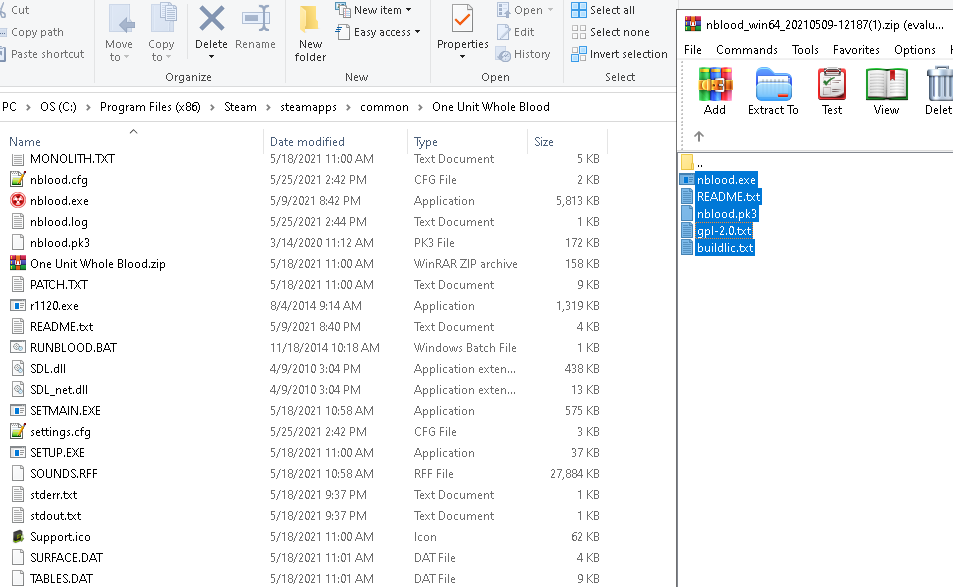
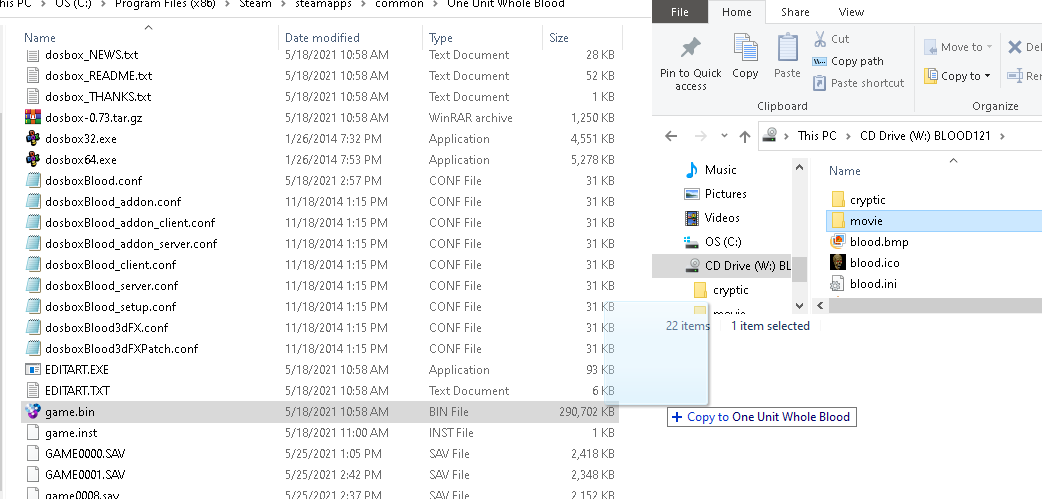


1) Create a "data" subdir in your NBlood folder (can also be named differently, it's an example)
2) Place blood.ini and cryptic.ini in this "data" subdir
3) Zip the following files, name it something like "blood.grp" and place it in the "data" subdir:
- Movie files (cs*.smk, cs*822m.wav)
- ART files (tiles0**.art)
- RFF files (blood.rff, gui.rff, sounds.rff)
- DAT files (surface.dat, voxel.dat)
4) Zip the following files, name it something like "cryptic.grp" and place it in the "data" subdir:
- Movie files (cryptic.smk, cryptic.wav)
- Maps (cp*.map)
- ART files (cpart07.ar_, cpart15.ar_)
5) Launch NBlood like: nblood.exe -j data -g blood.grp -g cryptic.grp (space between -j and data folder is important)
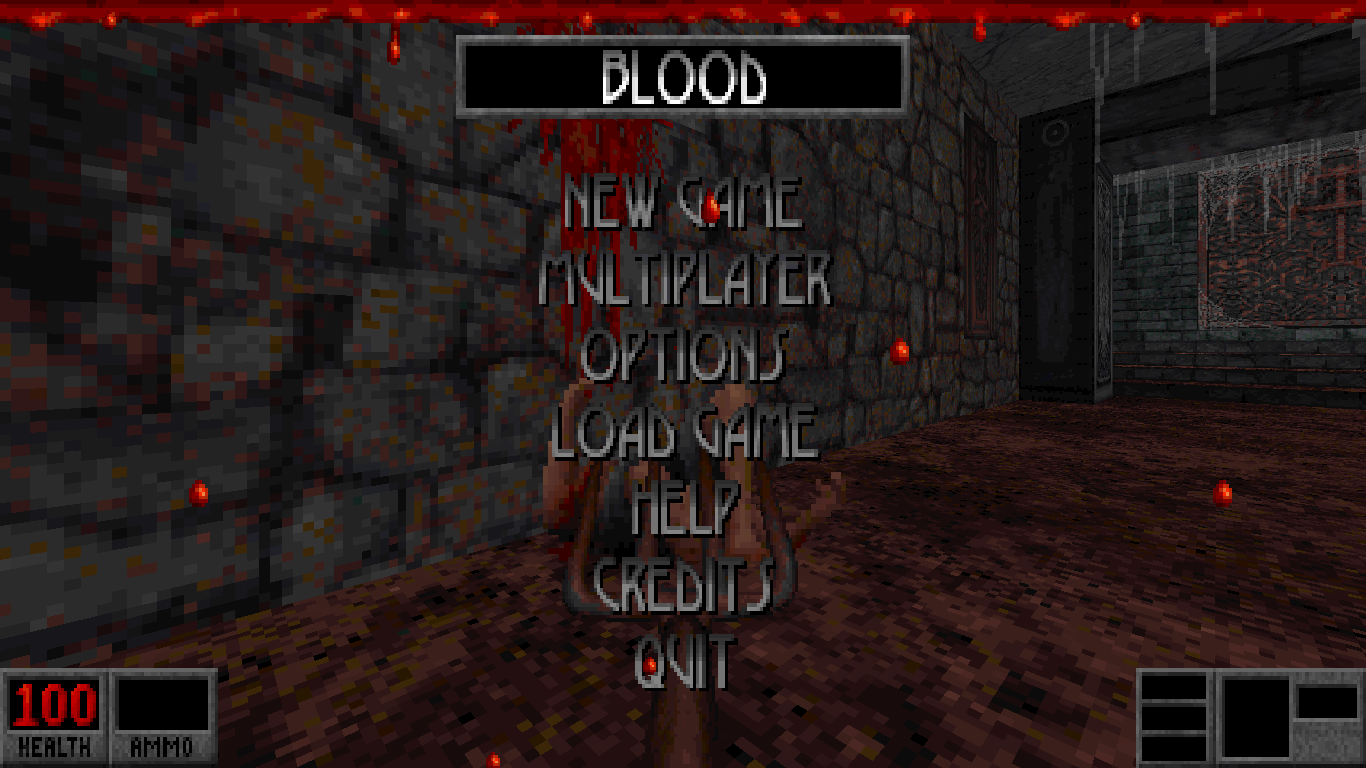
This allows you to launch through Steam, have access to the Steam overlay, and have your playtime be tracked.