



Zainstaluj Steam
zaloguj się
|
język
简体中文 (chiński uproszczony)
繁體中文 (chiński tradycyjny)
日本語 (japoński)
한국어 (koreański)
ไทย (tajski)
български (bułgarski)
Čeština (czeski)
Dansk (duński)
Deutsch (niemiecki)
English (angielski)
Español – España (hiszpański)
Español – Latinoamérica (hiszpański latynoamerykański)
Ελληνικά (grecki)
Français (francuski)
Italiano (włoski)
Bahasa Indonesia (indonezyjski)
Magyar (węgierski)
Nederlands (niderlandzki)
Norsk (norweski)
Português (portugalski – Portugalia)
Português – Brasil (portugalski brazylijski)
Română (rumuński)
Русский (rosyjski)
Suomi (fiński)
Svenska (szwedzki)
Türkçe (turecki)
Tiếng Việt (wietnamski)
Українська (ukraiński)
Zgłoś problem z tłumaczeniem


 Przyznaj nagrodę


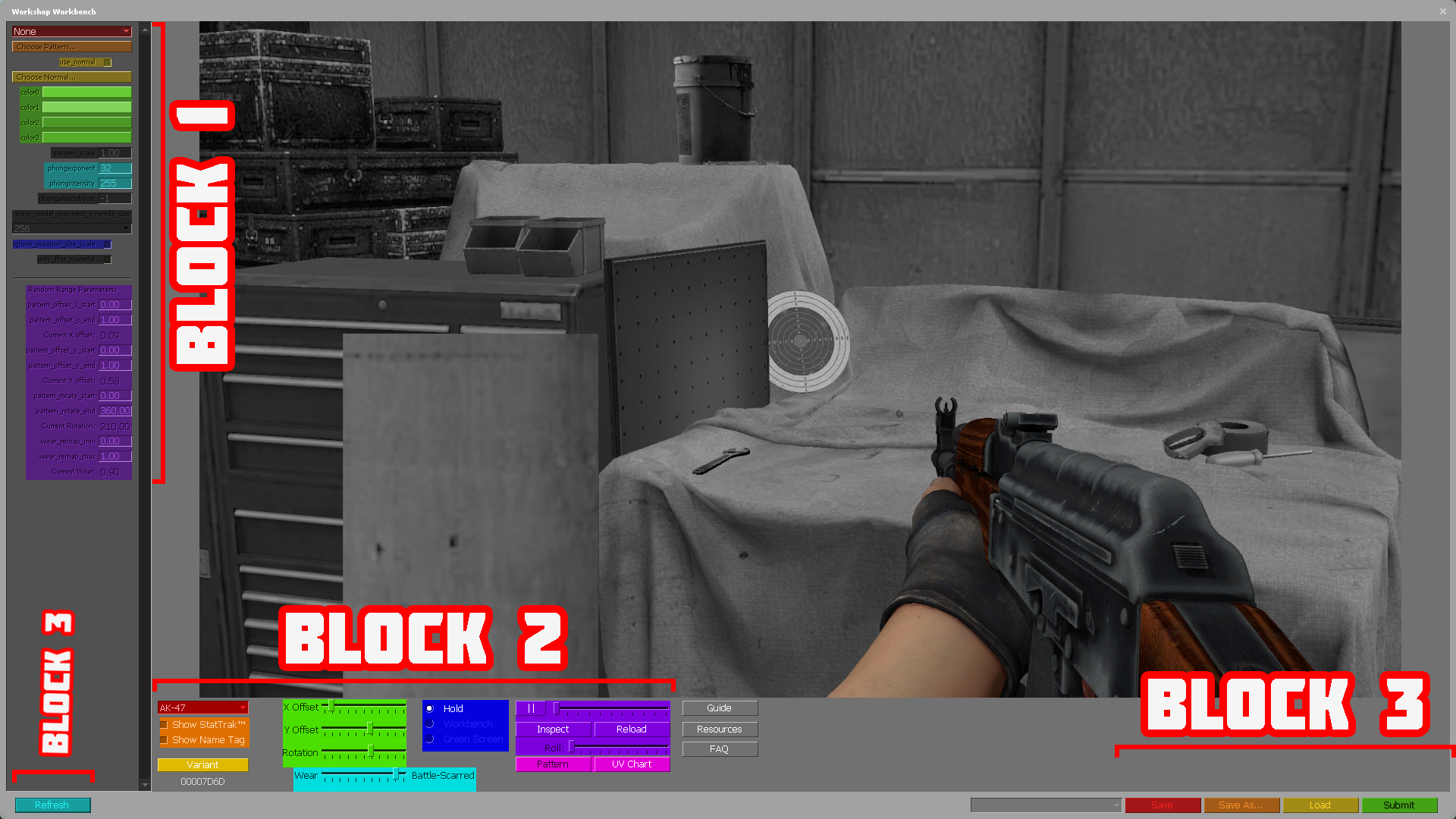


No is not :)
It's obvious that is a typo, thanks
Many thanks for the share.
Highly appreciated!
I recommend looking into the official Valve SDK Documentation for insight on how materials work in CSGO's Source engine, linked below:
GIMP alpha channel
https://developer.valvesoftware.com/wiki/GIMP
GIMP Alpha channel: https://m.youtube.com/watch?v=LQCziSTNJgQ
https://www.youtube.com/watch?v=A9aZdPqs17M
Using GIMP VTF plugin?
Be sure you're using GIMP 2.80
Not using it? Follow this: https://developer.valvesoftware.com/wiki/Creating_a_Material
I have a wiki that relates to the process of making skins / modding: https://gtm.steamproxy.vip/sharedfiles/filedetails/?id=1501754039&searchtext=Wiki
Always try to read the manuals in anything, because they often give you some insight
Use .tga or .tiff image types instead of .jpg or .PNG since they're lossless and supports alpha. More info in the Valve Source SDK Doc
3D = Use Blender with GIMP